
Assessment no-shows: How to help families attend
Prevent assessment no-shows by confirming a real appointment, explaining arrival details and making changes easy to request. Record attendance accurately before following up, so a late reply never becomes a false no-show.
By Plyo · Reviewed
Assessment no-shows: Quick checklist
Confirm the visit
Verify the appointment and share the location, scope and preparation instructions.
Make changes easy
Explain how to request a new time and keep reminders tied to the latest appointment record.
Record attendance
Ask staff to verify attendance before following up on a missed assessment.
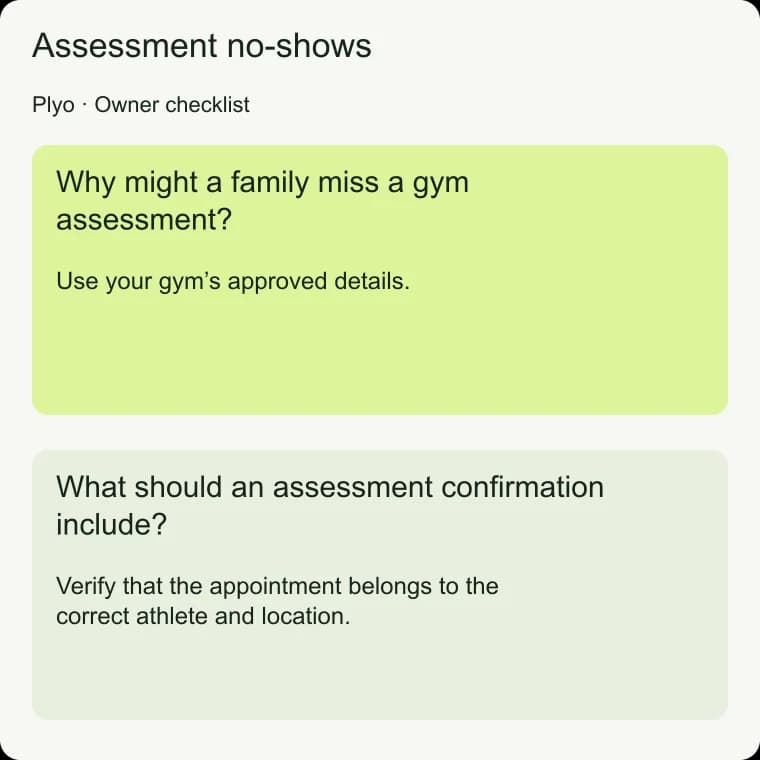
Why might a family miss a gym assessment?
Before adding messages, review what a parent receives when choosing an assessment. They should know what the visit is for, how long it takes, its cost and whether a parent needs to stay. Use your gym’s approved details.
Explain the activities and who will take part, so the family knows what the visit involves.
Northstar Performance is fictional, and the samples need your real details in place of brackets. Before booking, staff might write: “The assessment at Northstar Performance includes [approved activities] and lasts [approved duration]. [Approved parent attendance requirement].
Would [available day, date and time] work?” This gives the parent a chance to spot a scheduling conflict before accepting.
What should an assessment confirmation include?
Confirm only after the appointment exists. Include the athlete’s first name, the visit type, day, date, time and location. Add arrival or preparation instructions that affect the visit.
If your building has a confusing entrance, use the verified entrance description rather than assuming a street address answers every arrival question.
Northstar Performance sample: “Maya’s assessment is booked at Northstar Performance for [day, date and time], at [address]. Enter through [verified entrance]. Please [approved preparation].
Reply here if your plans change.” Keep the essential information together. If staff need to correct a detail later, clearly identify the correction so the family does not have to compare several messages.
- Verify that the appointment belongs to the correct athlete and location.
- Make any required preparation understandable without an additional call.
- Give the parent a clear way to ask a question or request a change.
For the step-by-step guidance, see Gym booking rate: Calculate verified inquiry conversion.
How can easy rescheduling help families attend?
School events, transportation and team schedules can change after a family books. Make it easy to tell you rather than letting the parent assume that changing a time is difficult. Explain your real rescheduling policy without guilt, and ensure someone owns the replies that come back from reminder texts.
If the parent asks to move the visit, check the new time before releasing the original appointment. Northstar Performance sample: “I’ll check [requested time] for Maya. Her current assessment remains booked while we confirm the change.”
Once the new appointment is verified, send the updated details and check that old reminders will not continue. Keep the current visit in place until the change is confirmed.
For the setup workflow, see AI appointment setter for youth sports gyms.
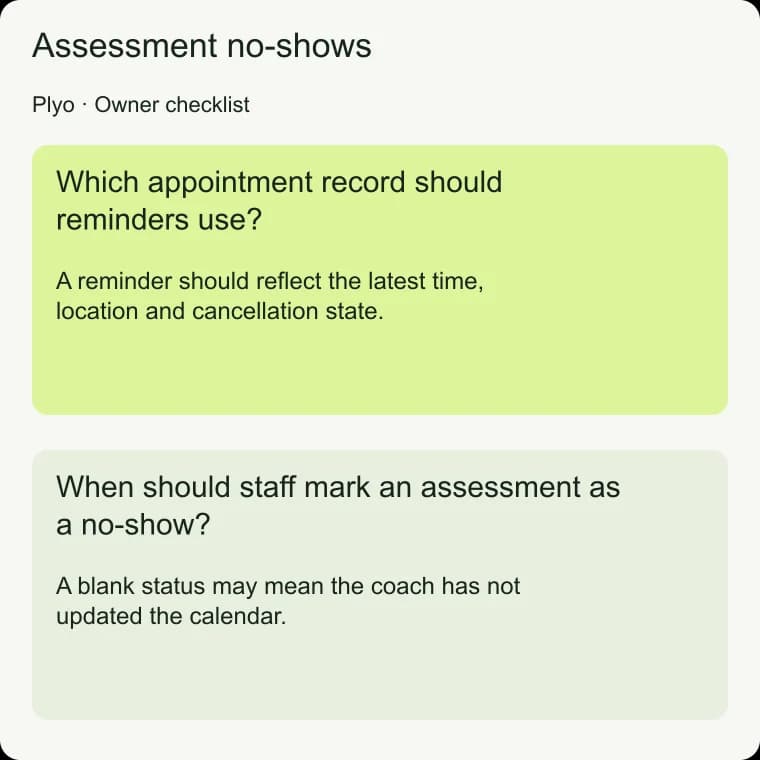
Which appointment record should reminders use?
Agree on a reminder schedule and check the appointment status before sending. A reminder should reflect the latest time, location and cancellation state. If a parent books close to the visit, avoid sending several scheduled messages together simply because earlier reminder points have already passed.
Plyo sends confirmations and reminders for appointments it books, on a schedule the owner approves. It protects the original appointment during rescheduling until the new time is confirmed, and confirms cancellation only after a verified status. Owners should use those boundaries when deciding how staff handle other appointments and any existing reminder workflows, so families do not receive overlapping instructions.
For the step-by-step guidance, see Reminder text templates for gym assessments.
When should staff mark an assessment as a no-show?
Assign responsibility for marking each assessment as attended, canceled, rescheduled or a confirmed no-show. A blank status may mean the coach has not updated the calendar. Check with the coach and review the conversation before sending a message about a missed visit.
An inaccurate no-show message can be especially confusing to a family that was there.
After staff confirm a missed assessment, a Northstar Performance sample is: “We missed you at Maya’s assessment at Northstar Performance. Would you like help finding another time?” Keep it neutral and follow the gym’s approved limit on contact.
Plyo’s no-show follow-up applies only to appointments it booked, only after a staff or GoHighLevel no-show status, and only under a limited policy the owner approves.
For the step-by-step guidance, see Parent follow-up texts without pressure.
How do you review missed assessments without guessing?
Review confirmed missed visits alongside cancellations and reschedules. Record reasons only when a parent shares them; silence is not proof that price, motivation or coaching quality was the cause. If parents report trouble finding the building, fix the arrival instructions.
If they misunderstood the visit, revise the booking explanation.
Keep attendance records separate from booking results. A booking tells you the family scheduled a visit; attendance tells you whether that visit happened. Review both so an improvement in calendar bookings does not hide unresolved arrival problems.
Choose a specific change, such as clearer directions, and observe subsequent visits with the same definitions before deciding whether it helped.
Assessment no-shows: Common questions
Should I require a confirmation reply to keep the appointment?
Keep the appointment's verified status when a parent leaves a reminder unanswered. If your gym has an explicit reconfirmation policy, explain it before booking and follow it consistently. A lack of reply by itself does not tell you whether the family intends to attend.
Will adding more reminders solve no-shows?
Extra messages cannot correct an unsuitable appointment time or unclear location. Review the whole visit process first. Keep reminders useful, avoid duplicates and make it easy to request a change. Use actual parent feedback to decide which obstacle to address next.
What if the coach forgot to mark attendance?
Leave the outcome unknown until it is verified. Ask the coach or check the gym’s attendance record before contacting the family about a missed visit. Make closing the appointment record part of the staff workflow so missing statuses do not accumulate.
Should a missed assessment lead to repeated booking texts?
Use a limited, owner-approved follow-up policy. Offer a practical next step after confirming the no-show, then respect the parent’s response or lack of response. Stop immediately for an opt-out and avoid language that makes a family explain or defend a schedule conflict.