
Plyo vs Mindbody Messenger[ai] for gym inquiries
Plyo vs Mindbody Messenger[ai] starts with your appointment system: Plyo requires GoHighLevel, while Messenger[ai] is presented as a Mindbody AI front desk. Compare parent assessment booking with your broader member communication needs before choosing. [1]
By Plyo · Reviewed
Plyo vs Mindbody: At a glance
| What matters | Plyo | Mindbody Messenger[ai] |
|---|---|---|
| Conversation scope | New parent inquiries by SMS and website chat | Questions, booking requests and member messaging. [1] |
| Answer preparation | Owner-reviewed gym profile with approved offer and eligibility information | Custom responses and training for the business's voice. [1] |
| Human follow-up | Private text alert when a parent requests a person; waits for explicit hand-back | Responses needing human assistance are flagged for follow-up. [1] |
| Payments and sales | Supports paid assessments using the gym's existing payment process | Advertises package and membership sales through text and webchat. [1] |
| Preserving the original appointment during rescheduling | Original appointment is protected until the replacement is confirmed | Not stated publicly. [1] |
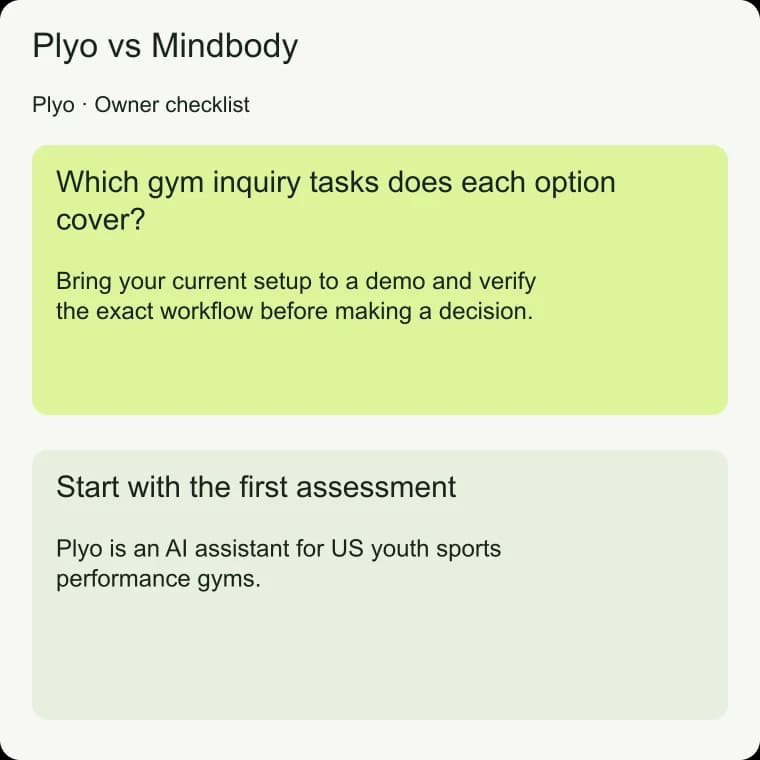
Which gym inquiry tasks does each option cover?
Mindbody's product page describes after-class follow-up, mass texting, Facebook conversations and a unified communication dashboard and app. [1] Our recommendation is to consider Messenger[ai] when those member communication tasks are priorities, particularly if you already use Mindbody. Bring your current setup to a demo and verify the exact workflow before making a decision.
For a youth sports performance gym, separate a new parent's assessment inquiry from an existing family's service question. Write down where each conversation starts, which appointment it concerns and who should own the outcome. This helps you compare a specific job rather than treating every message as the same kind of customer interaction.
For the decision criteria, see Plyo vs GoHighLevel Conversation AI for gyms.
For the decision criteria, see AI vs receptionist for gym inquiry handling.
For the decision criteria, see Missed-call text-back vs Plyo for gym inquiries.
Start with the first assessment
Plyo is an AI assistant for US youth sports performance gyms. It answers new parent inquiries by SMS through the gym's existing GoHighLevel account and number and through a website chat widget. In every first message, it identifies itself as the gym's virtual assistant and names the gym.
It answers the actual question before asking for the next useful detail.
In a sample conversation for the fictional Northstar Performance, a parent might ask whether Jordan needs experience before attending. Use your approved eligibility information to evaluate the answer. Then ask what the assessment involves and what to bring.
Plyo uses a gym profile the owner reviews and approves, covering the offer, eligibility, price, duration, location, preparation and hours.
For the step-by-step guidance, see Parent inquiry reply templates for gym assessments.
For the setup workflow, see GoHighLevel AI assistant for parent inquiries.
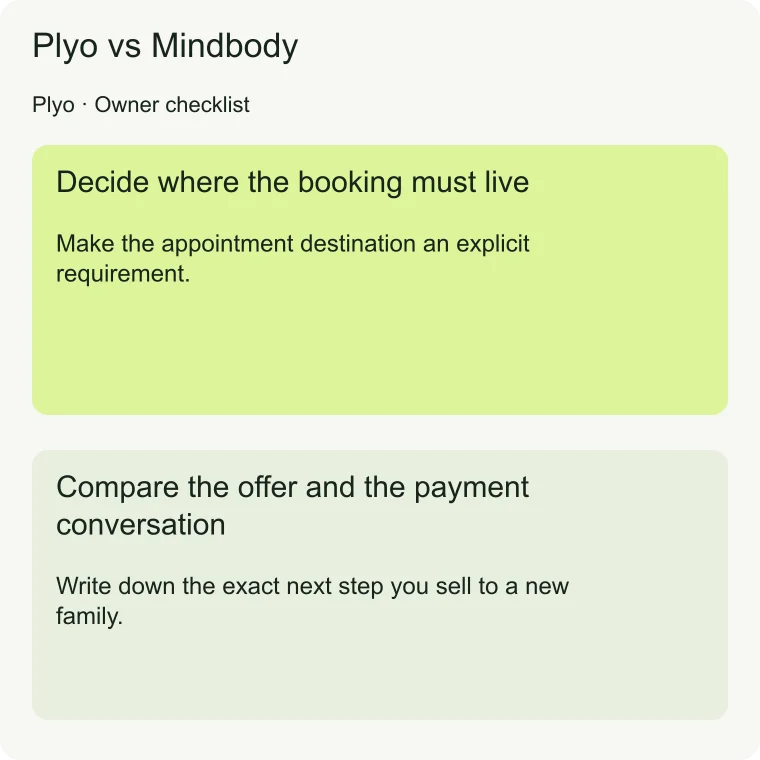
Decide where the booking must live
Make the appointment destination an explicit requirement. During any demo, ask to see where the booking appears, what staff see and what the parent receives. If your business uses more than one calendar, map the assessment journey before comparing options.
Test the calendar connection with the assessment type your gym actually offers.
Plyo requires GoHighLevel and installs as a Marketplace app. It reads the gym's live calendar availability, rechecks a slot before booking and confirms only after the calendar returns an appointment record. Website chat collects the parent's mobile number to book, and confirmations and reminders go by text.
Review that sequence with your team to decide whether it fits how you manage assessments.
For the setup workflow, see AI appointment setter for youth sports gyms.
Compare the offer and the payment conversation
Write down the exact next step you sell to a new family. It may be a free assessment, a trial or a paid assessment. Ask how the offer is explained, when the parent selects a time and what happens if payment is still unresolved.
Keep the evaluation focused on the appointment you actually want a parent to book.
Plyo supports those gym-specific assessment and trial offers. A paid assessment uses the gym's existing payment process, and Plyo never claims payment it cannot verify. An owner-approved offer should give the parent a clear description of the visit.
Include preparation instructions and location in your review so the conversation covers arriving at the gym as well as choosing a time.
Review follow-up and staff responsibility separately
Plyo sends confirmations and reminders for appointments it books on a schedule the owner approves. No-show follow-up is limited to Plyo-booked appointments after a staff or GoHighLevel no-show status. The owner approves a limited follow-up policy.
Unknown attendance is never treated as a no-show. Long-term nurture, old-lead reactivation and multi-month offer campaigns are on the roadmap.
Decide who will answer when a parent needs a person. Plyo steps back when staff reply in GoHighLevel. A parent request for a person triggers a private text to the escalation contact, and Plyo waits for an explicit hand-back.
Ask your team to rehearse receiving that alert. Text Plyo for a demo and a call with the Plyo team when you are ready to review your assessment flow.
For the decision criteria, see Plyo vs GymSetter for parent inquiries.
Plyo vs Mindbody: Common questions
Does Messenger[ai] offer more than inquiry replies?
Mindbody advertises member communication and package sales as well as responses to questions and booking requests. [1] Use that scope to define what you want demonstrated. Bring an existing-member scenario and a new-parent scenario, then judge each against its own required outcome.
Can I use Plyo without GoHighLevel?
No. Plyo requires GoHighLevel. Its SMS conversations use the gym's existing account and number, and its bookings use the gym's GoHighLevel calendar. Confirm that requirement first if your current assessment process lives elsewhere. A website chat inquiry also needs the parent's mobile number to complete booking.
How should I test an appointment change?
Ask to move a booked assessment and inspect the calendar afterward. Plyo protects the original appointment until the new time is confirmed. If a proposed slot was taken, it explains that and offers the next open times. A cancellation is confirmed only after its status is verified.
Comparison source notes
- [1] Mindbody: Messenger[ai] product overview · reviewed 2026-10-17
This is a comparison of published capabilities, not a hands-on benchmark. Vendor statements are attributed above and may change. Mindbody Messenger[ai] is a trademark of its owner; Plyo is not affiliated with it.