
Parent inquiry reply templates for gym assessments
A parent inquiry reply should answer the actual question, identify the gym and ask one useful next question. Confirm an assessment only after the appointment exists in your calendar; the examples below show how to handle each step.
By Plyo · Reviewed
Parent inquiry reply: Quick checklist
Answer the question
Use the approved gym offer to answer the parent’s actual question and identify the gym.
Ask one useful question
Collect only the next detail needed to check eligibility or offer a real calendar opening.
Verify the booking
Create the appointment, check the returned record and then send the confirmed visit details.
What should a first parent inquiry reply say?
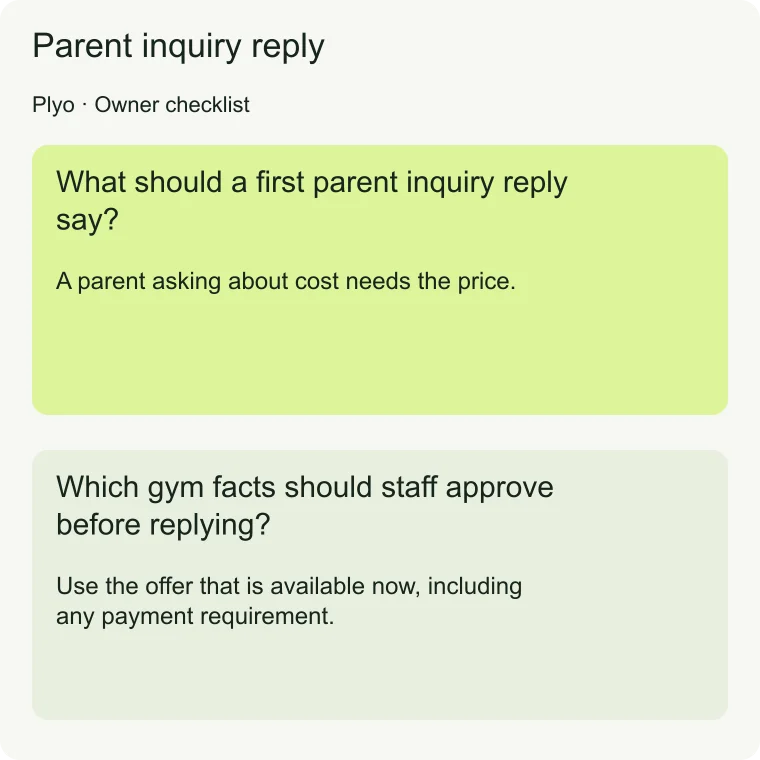
Read the entire message before choosing a reply. A parent asking about cost needs the price. A parent asking whether you work with their athlete’s sport needs a clear answer about fit.
An invitation to book is useful only after you address what brought them to the conversation.
The sample gym in this guide, Northstar Performance, is fictional. Replace bracketed details with approved facts before sending any sample. If a parent asks about an assessment, a staff reply could be: “Hi, this is Alex at Northstar Performance.
The assessment includes [approved description]. Are you looking for a weekday or weekend visit?” Ask about availability only when both options actually exist.
For the step-by-step guidance, see After-hours inquiries: How to cover your gym inbox.
Which gym facts should staff approve before replying?
Keep a shared reference for the current assessment offer, eligibility, duration, price, location and arrival instructions. Give someone responsibility for updating it when the schedule or offer changes. Check saved replies against that reference whenever the offer changes.
Separate facts you can answer directly from questions requiring judgment. An approved age range is a fact. Whether a particular athlete needs a modified session may need a coach.
If the reference does not answer the question, acknowledge the gap and route it to the right person before offering a conclusion.
- Use the offer that is available now, including any payment requirement.
- Check the relevant location before sharing directions or times.
- Remove expired promotions from saved replies.
For the step-by-step guidance, see Gym price questions: How to answer parents by text.
For the step-by-step guidance, see Coach handoff: When a parent needs a person.
What athlete detail should you ask for next?
Choose a question whose answer changes the next step. If eligibility depends on age and the parent has not shared it, ask about age. If the athlete is eligible and the parent wants to visit, ask about timing.
You do not need a complete intake form to have a useful first exchange.
Suppose the parent writes, “My daughter Maya plays soccer. Do you work with younger athletes?” After answering from your approved eligibility rules, ask: “How old is Maya?”
Use the soccer detail the parent already shared. Save detailed goals and training history for the appropriate intake process instead of turning the first reply into an interview.
How do you offer assessment times by SMS?
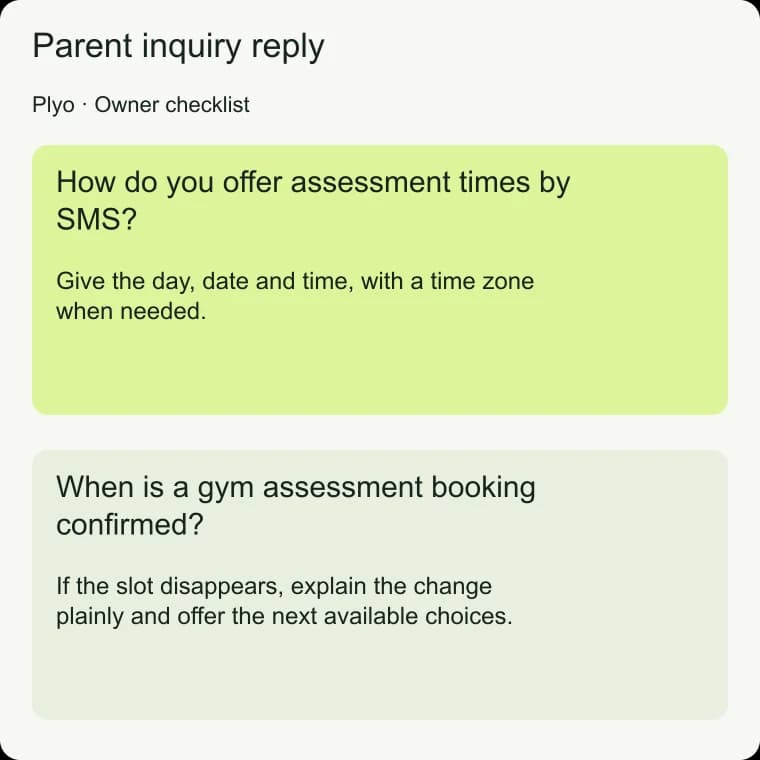
Once you know the visit is appropriate, offer times from the live calendar. Give the day, date and time, with a time zone when needed. “We have openings soon” leaves the parent to restart the scheduling conversation.
A specific choice gives them something concrete to accept or decline.
Northstar Performance sample: “For Maya’s assessment, I can offer [available day, date and time] or [available day, date and time]. Would either work?” If neither fits, ask which day would be easier.
Recheck the slot when the parent is ready to book.
For the step-by-step guidance, see Gym booking rate: Calculate verified inquiry conversion.
When is a gym assessment booking confirmed?
A parent choosing a time is permission to attempt the booking, not proof that it succeeded. Check availability again, create the appointment and verify the result before sending a confirmation. If the slot disappears, explain the change plainly and offer the next available choices.
After verifying the appointment, send: “Maya’s assessment at Northstar Performance is booked for [day, date and time] at [location]. Please [approved prep instruction]. Reply here if you need to change the time.”
If the calendar result is unclear, check the record before retrying. Creating duplicate appointments makes the schedule harder for both staff and families to trust.
How can an AI assistant follow the same reply rules?
Plyo answers new parent inquiries by SMS through the gym’s existing GoHighLevel account and number, and through a website chat widget. Its first message names the gym and identifies it as the gym’s virtual assistant. It answers from a gym profile the owner reviews and approves, rather than treating unverified website text as an answer.
For this workflow, that means the owner should approve the same facts staff use. Plyo asks one useful question at a time, rechecks live availability before booking and says “booked” only after the calendar returns an appointment record. Review your own first replies for those same habits, whether staff or an assistant handles them.
For the setup workflow, see AI appointment setter for youth sports gyms.
For the setup workflow, see GoHighLevel AI assistant for parent inquiries.
Parent inquiry reply: Common questions
Should every first reply include a booking link?
No. Answer the question first. A booking link can be useful when the parent is ready and the destination shows the right offer. If eligibility or an unanswered concern affects the visit, resolve that first so the link does not create another task for the parent.
What if the parent only says hello?
Identify yourself and the gym, then invite the question. A staff example is: “Hi, this is Alex at Northstar Performance. What would you like to know about training?” You can narrow the conversation after the parent tells you what they need.
Should I ask for the athlete’s full name immediately?
Use a first name when the parent shares it. Collect any further details when they are needed for your booking or intake process, and explain why. Requiring a full intake before answering a simple question adds work without helping the parent decide.
What if the parent asks for a coach?
Acknowledge the request and pass along the conversation with a short summary. Pause booking prompts while staff handle the request. Give a response window only if staff coverage supports it, and make clear who owns the next reply.